

Update Stock Automatically when validate Invoice And Refunds.
Normally we need to create Stock move when we create invoice in odoo but default odoo does not provide such functionality.
In major Cases of refund we need to update stock (By Stock Moves) also but in odoo we need to create reverse of piking to update stock when we create refund.
It can save your time if stock moves get created automatically with invoice and refund. To make that use-cases simple we have added this module to make work fast and simple.
Functionality Will be available for following Orders:
- 1> Customer Invoice.
- 2> Vendor Bill.
- 3> Customer Invoice Credit Notes.
- 4> Vendor Bill Refund.
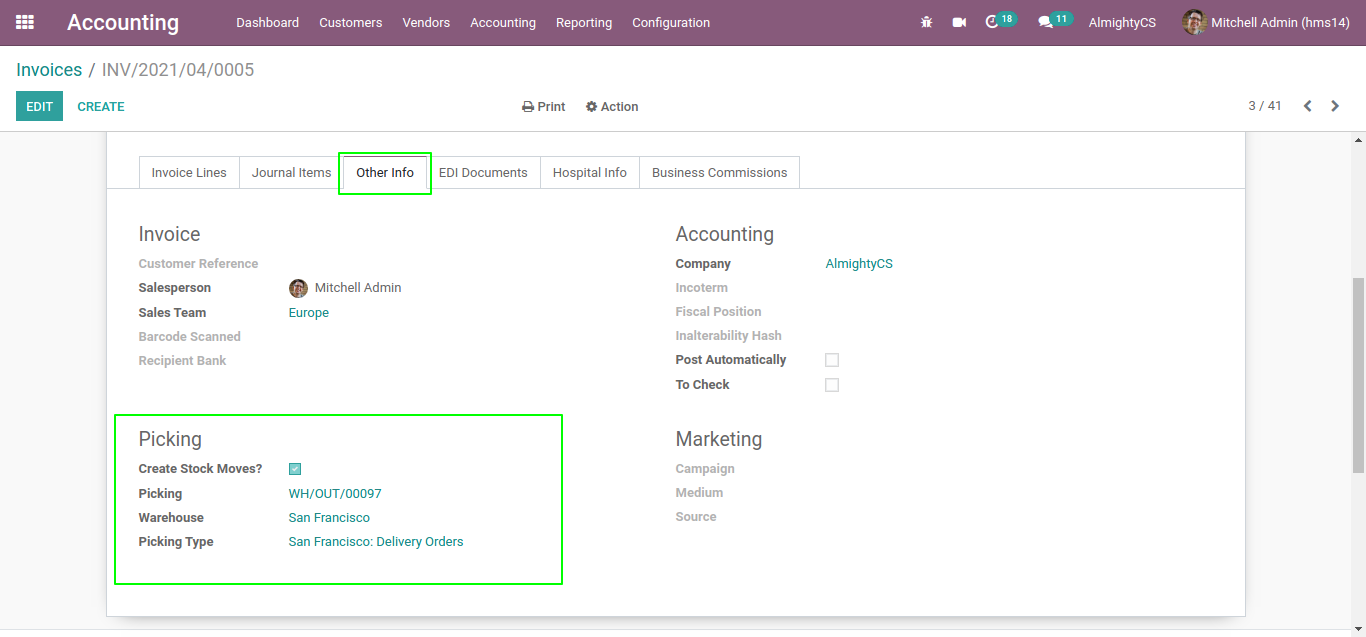
Option on Customer Invoice Form View to create picking.
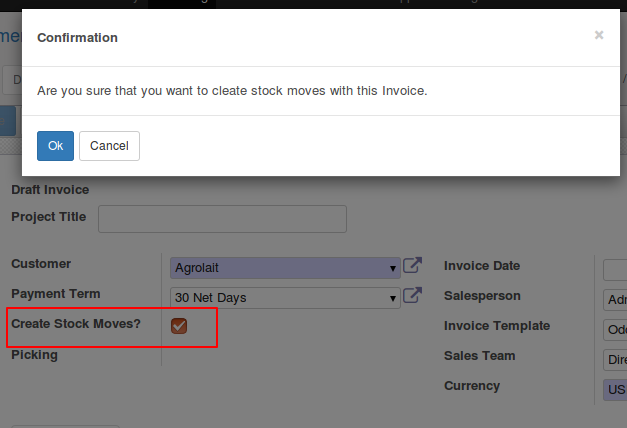
When you click on validate, it will ask for confirmation and on click of ok it will create stock moves.
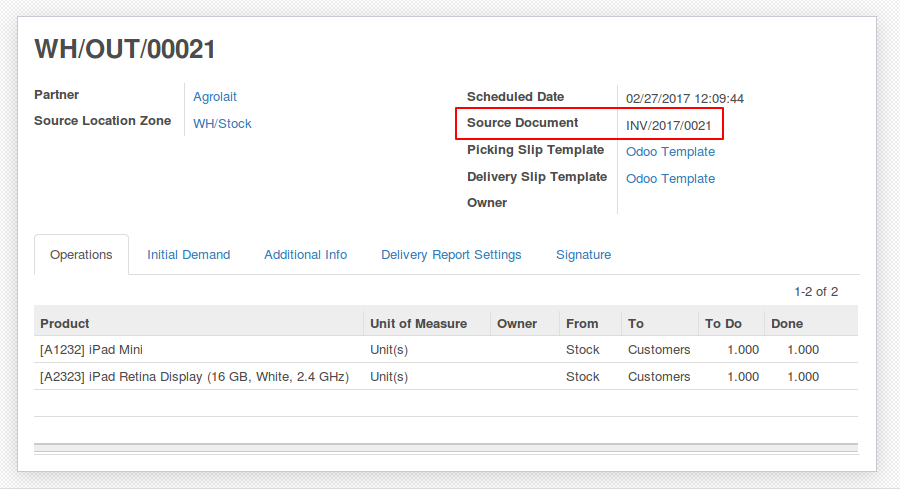
Automatically Created Picking From Invoice with proper Reference.
NOTE: In case of Lot used on product it will try to assign available product lots and complete picking else it will be in ready/waiting state only. Picking will be not finished. If proper stock is here it will finish stock picking.
Configuration & Customization
Designed for Odoo ease-of-use, this module requires zero technical knowledge to deploy. Simply install and Update Stock Automatically when validate Invoice And Refunds. Our dedicated technical team is available for advanced customization to match your hospital's specific protocols.