

Add Products by Barcode in Sale Order
Add Products by scanning barcode to avoid mistakes and make work faster in Sale order. When barcode is scanned it will First search for related barcode and after that it will check for matching Internal reference.
You can add multiple qty of same product also by scanning same barcode multiple time.
Module Feature
- Just Scan Bar-code in form view of Sale(Product Bar-code/Reference) and it will add new line. If there is already line with same product it will increase qty by plus one.
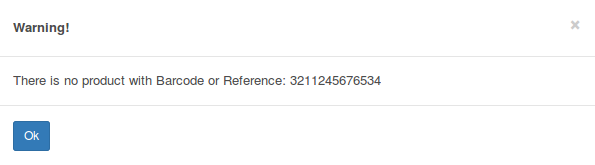
Error message when no matching product found
Configuration & Customization
Designed for Odoo ease-of-use, this module requires zero technical knowledge to deploy. Simply install it and the functionality is ready to use. Our dedicated technical team is available for advanced customization to match your specific requirements.