

Hospital Pharmacy Management SystemSet User/Partner/Customer image using Webcam By AlmightyCS
Detailed Description of Module
Webcam Image By ACS
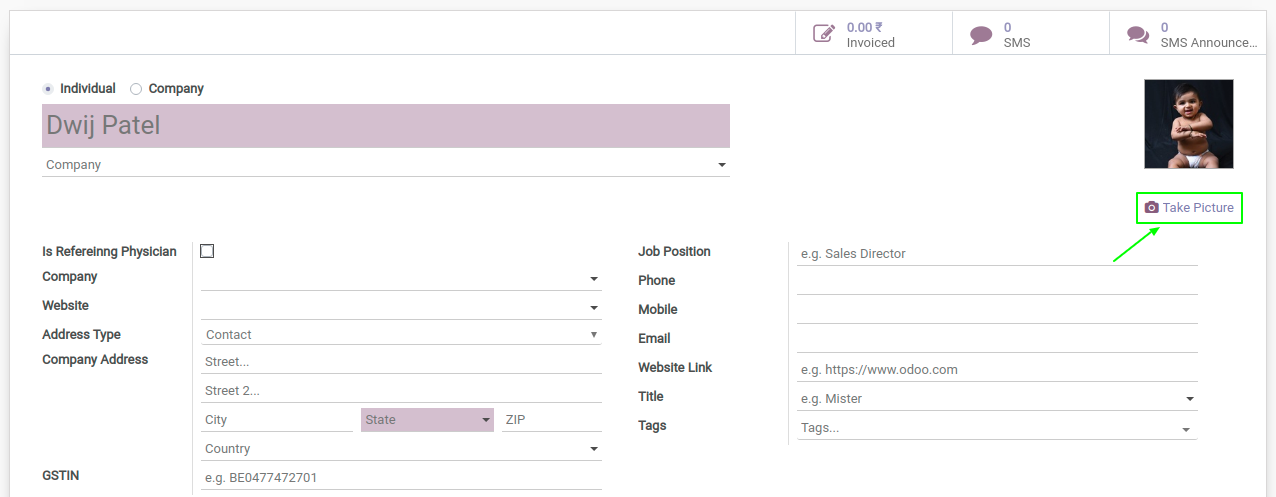
A button will be added to the user/partner form to set an image. Clicking the button will open a window to capture a photo using a connected webcam.
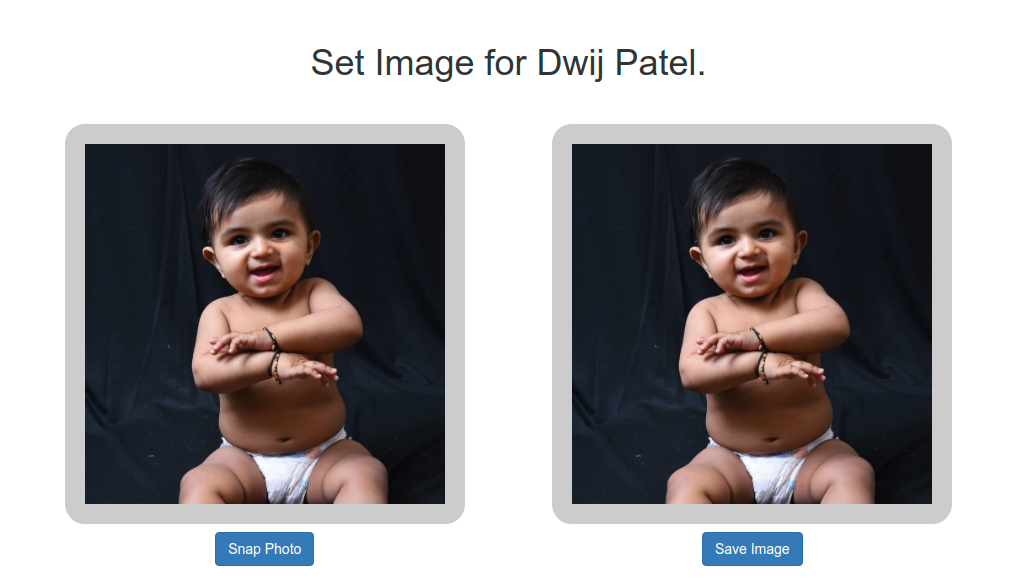
The webcam window will display a live video feed. You can take multiple snapshots until you're satisfied with the image.
Once you have a good photo, click "Save Image" to update the record's image and automatically return to the related form view.
Note: Redirection after saving may only return to a specific action. This module requires an HTTPS domain due to browser security (e.g., Chrome). However, it will also work on local environments without HTTPS.
This is a generic module and can be easily extended in custom modules as needed.
Take Image option in User/Partner Form.
Webcam view where it will show live webcam video and taken snap shot with buttons.
Other Configuration
To use this module no technical knowledge is required. Just install module and functionality is ready to use. For more customization and help contact us.