

ACS HMS Record Progress
Boost clinical data quality with a Profile Strength floating widget pre-configured for Patient, Physician and Appointment — live progress, smart tooltip and confetti at 100%.
What is ACS HMS Record Progress?
Incomplete patient and clinical records lead to errors, duplicate work and compliance risks. This add-on extends ACS HMS with a floating progress meter on the three most important clinical forms — motivating staff to complete every record, in real-time, without slowing down their workflow.
Always visible, never in the way
The progress meter floats at the bottom-right corner of the screen as a fixed overlay panel — it doesn't occupy form space and never disrupts clinical workflows.
- Smooth animated progress bar with shimmer effect
- Color-coded: red → orange → blue → green
- Strength label: Beginner → Intermediate → Complete!
- Shows filled / total field count at a glance
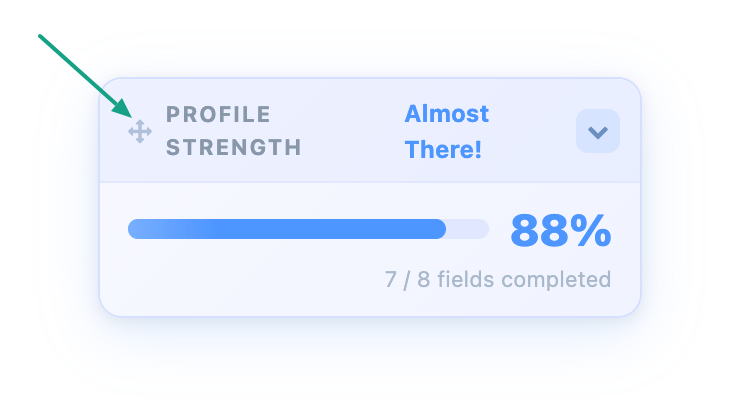
Move it wherever you like
Grab the drag handle at the top of the panel and reposition it anywhere on the screen. The widget remembers your chosen position across page reloads.
- Drag handle with grab cursor indicator
- Viewport-clamped — can't be dragged off-screen
- Position persists between sessions
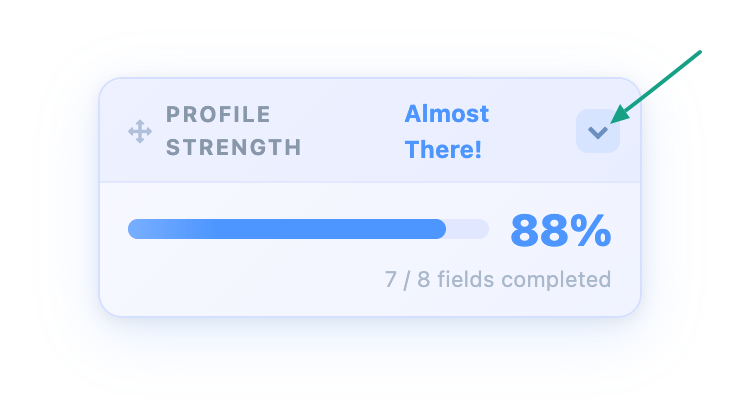
Collapse when you don't need it
Click the chevron button on the handle to collapse the panel to just the title bar. The current percentage stays visible inline so you always know your progress, even when minimised.
- Smooth slide-up / slide-down CSS animation
- Percentage shown in collapsed handle
- Collapsed state remembered in localStorage
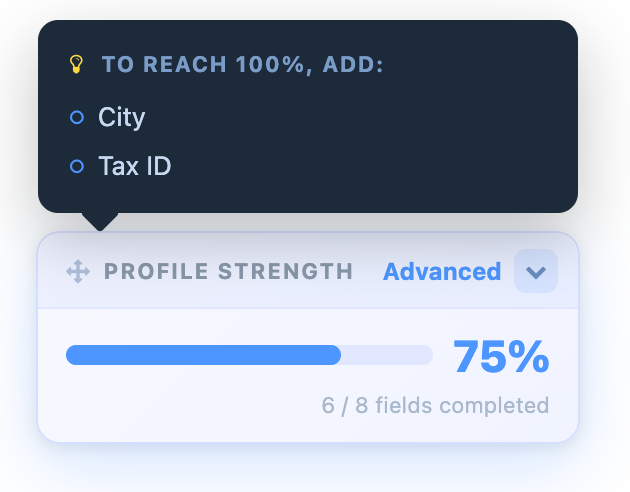
Know exactly what's missing
Hover over the panel body to see a tooltip listing every unfilled tracked field. Clinical staff know precisely what to complete next — no guesswork.
- Lists all missing fields by label
- Appears above the panel — always in view
- Dark theme tooltip with fade-in animation
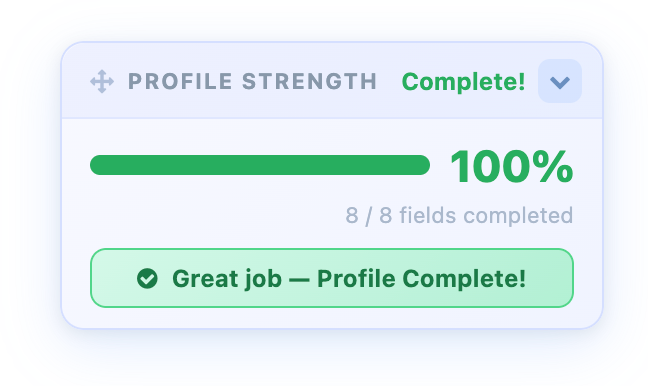
Confetti at 100%!
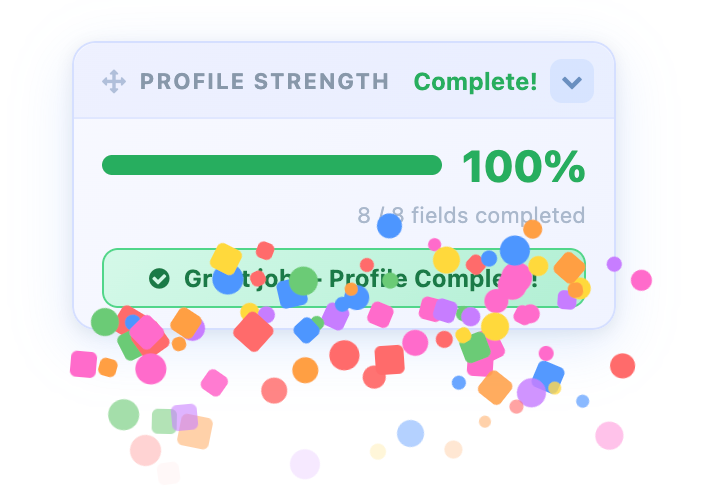
When a record reaches 100% completeness, a burst of colorful confetti fires and a "Profile Complete! Great job!" banner appears — making data entry feel rewarding for clinical staff.
- 90-piece confetti burst with random drift
- Fires once per session — not on every render
- Resets if a field is cleared below 100%
Ready out of the box — fully editable
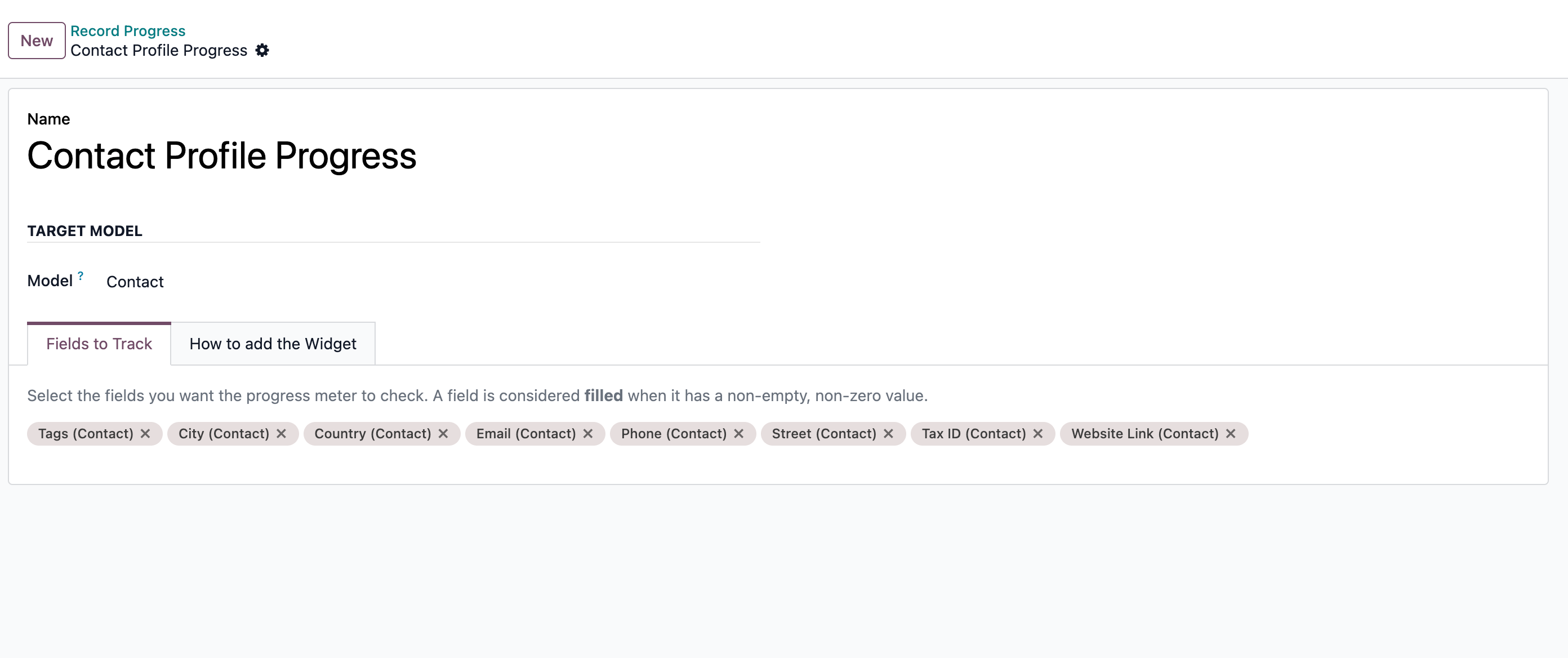
All three configurations are created automatically on install. Go to Settings → Record Progress to add, remove or change the tracked fields for any model at any time.
- Zero setup — works immediately after install
- Field picker filtered to compatible field types
- Archive / restore configurations at any time
Everything included
All widget features from ACS Record Progress — pre-wired for HMS.
Up and running in 2 steps
No developer skills required — configurations are created automatically.
Configuration & Customization
Get started quickly with preconfigured healthcare workflows and an intuitive user experience. The system can be easily adapted to match your organization's requirements, and our team is available to help with customizations, integrations, and advanced implementations.