Every Accounting feature, in one place.
The full feature tour — reconciliation, multi-currency, tax and reporting. Looking for implementation and setup instead? See the Accounting overview.
Less manual work
The three things clients ask us for most during setup.
Automation
Invoices post straight from inbound email, and bank feeds sync without a daily upload.
Mobile
Approve bills, check balances or send an invoice from a phone or tablet, on-site or on the road.
Less Data Entry
Bank statements register themselves, and follow-up payments go out without anyone typing a reminder.
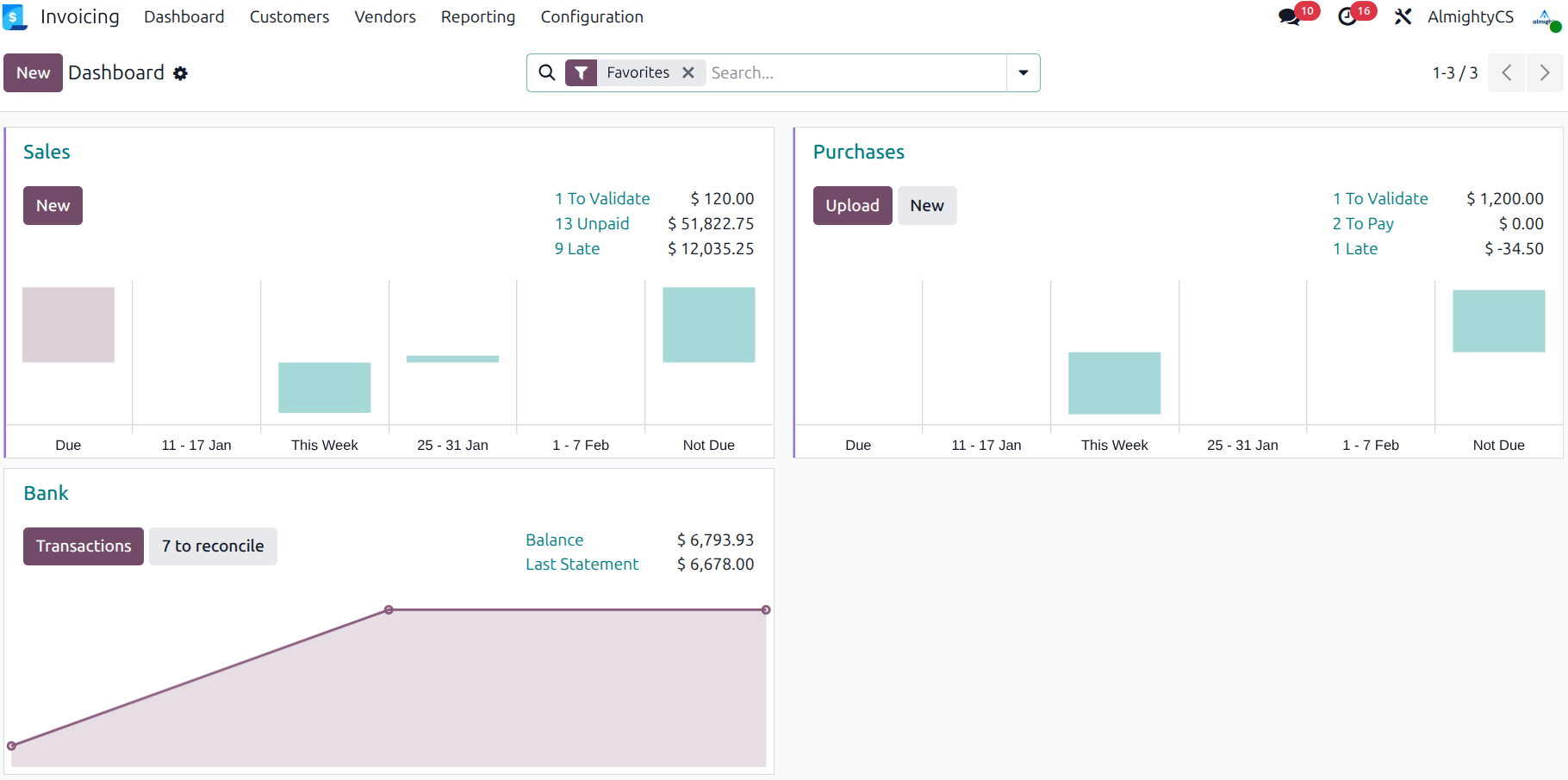
Accounts Receivable
Clean Invoices
Payment terms, taxes and discounts applied automatically, ready to send in a couple of clicks.
Draft Propositions
Drafts created automatically based on sales orders or delivery orders.
On-the-fly Reconciliation
Odoo suggests outstanding payments automatically during invoice creation.
Get Paid Easily
Online Payments
Support credit cards via Authorize.net, Stripe, Paypal, Adyen, etc.
Automated Follow-ups
Emails, letters, and tasks proposed automatically for credit collection.
Customer Portal
Customers track order status, invoices, and payments online.
Every entry, under control
Double-entry bookkeeping enforced automatically, with a full audit trail from draft to reversal.
- Draft, validate and post in one screen
- Multi-line entries with per-line analytic tags
- One-click reversal, fully traceable
Payables
- Forecast: Clear view of future bills to pay.
- Control: Manage supplier bills easily.
- Expenses: Track employee expenses from recording to reimbursement.
Payments
- Checks: Print checks in batch in just a few clicks.
- Wire Transfers: Automate SEPA payments to suppliers.
- Deposit Tickets: Track deposits to ease reconciliation.
Bank & Cash
- Feeds: Sync with 28,000+ banks automatically.
- Import: Supports OFX, QIF, CSV, Coda files.
- Registers: Track cash transactions with opening/closing.
Automated transfers
Move funds between accounts on a schedule, without a manual journal entry every time.
- Set a start/end date and frequency
- Pick the origin and destination accounts
- Compute and post transfers in one click
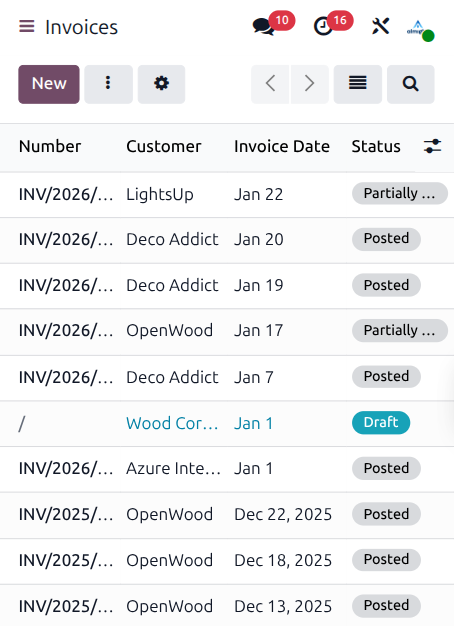
Easy Reconciliation
Matches 95% of invoices & payments automatically.
Smart Tool
Get reconciliation propositions automatically. Learns from manual actions.
Reports
Audit differences between accounts and bank statement balances.
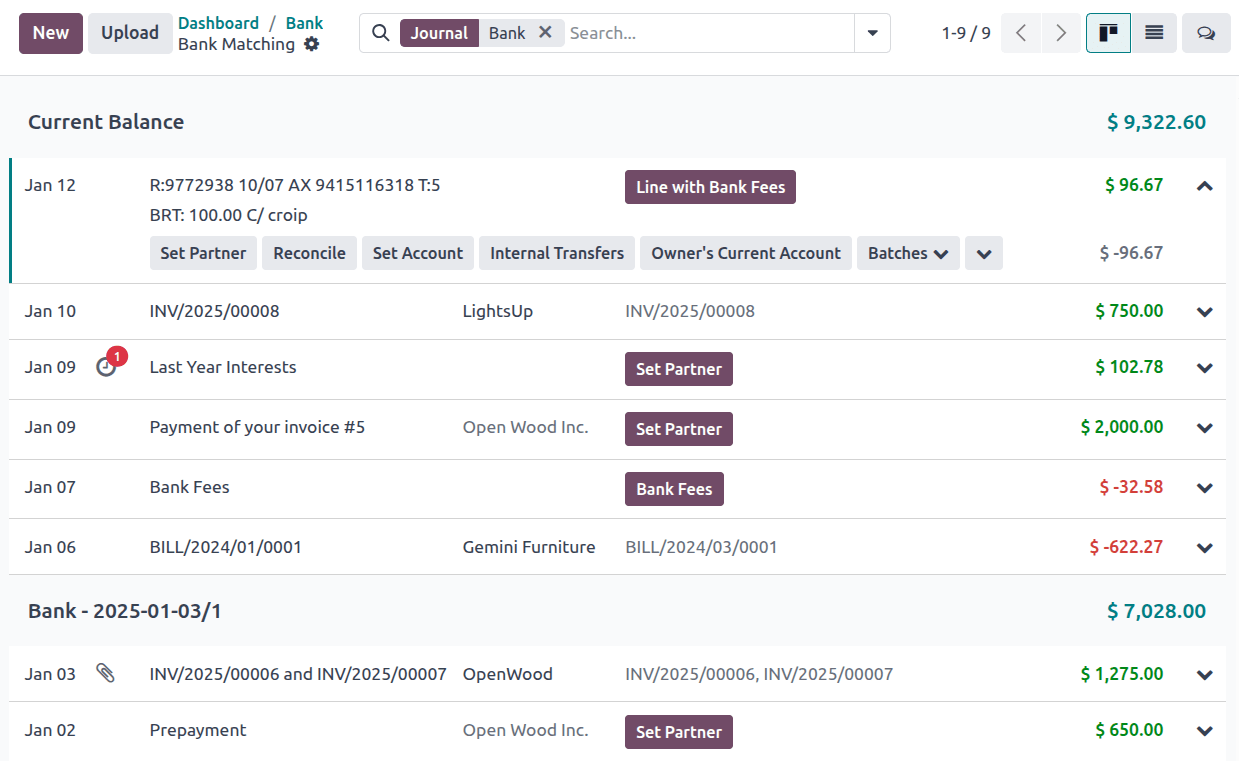
Dynamic financial statements.
Profit & Loss, balance sheet and cash flow, generated live from your ledger. Drill into any line, filter by period, and export to PDF or Excel.
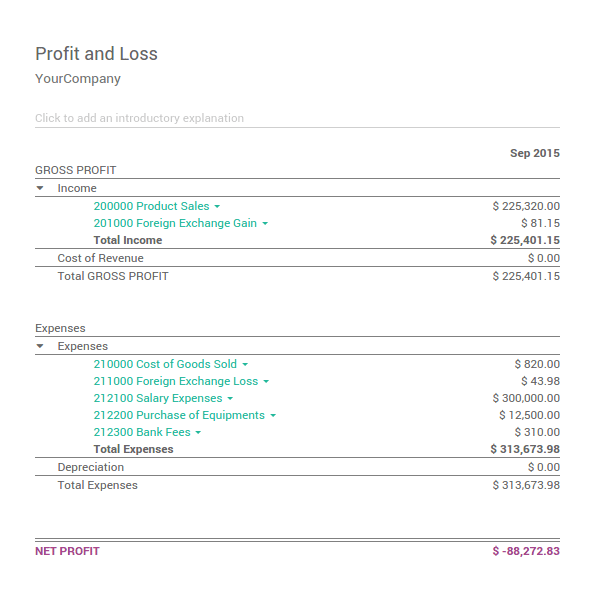
Multi-Company, Multi-Currency
Multi-Currency
Auto-update rates daily.
Multi-Company
Consolidation reports in real-time.
Multi-User
Granular access rights.
Multi-Journal
Organize by department or activity.
Performance Reports
BI Reports
Use Odoo cubes to navigate info: drill-up/down, group, filter. Export to Excel/PDF.
Dashboards & KPIs
Create custom dashboards. Define KPIs based on formulas (Gross Margin, CAC, Growth).
Legal & Analytic
Statements
Profit & Loss, Cash Flow, General Ledger, Balance Sheet.
Taxes
Country-specific reports, tax audit reports, advanced tax computation.
Analytic
Hierarchy of cost accounts based on projects/departments. Fully integrated.
Analytic Items
Distribute costs and revenue across departments or projects, then filter and pivot for full visibility.
Close your books with confidence
Period controls that keep a closed month closed.
Lock Dates
Separate locks for sales, purchases, tax returns and the general ledger, with an optional hard lock so nothing slips through after close.
Secure Entries
Past journal entries become permanently read-only after a cut-off date, protected behind a dedicated security group.
Subscriptions
- Auto-invoicing & Renewal alerts
- Customer Portal management
- MRR Dashboard & Recurring Revenue
Assets & Revenue
- Asset Depreciation management
- Revenue Recognition (Deferred Revenue)
- Budget Management




Want to see this running on your own data?
We'll walk through your chart of accounts and show exactly how it fits.
Start Now Back to Accounting Overview