
Set Patient/Physician/User image using Webcam By AlmightyCS
Detailed Description of the Module
Webcam Image
By ACS
- Includes all functionality from the Webcam Module —Check it here.
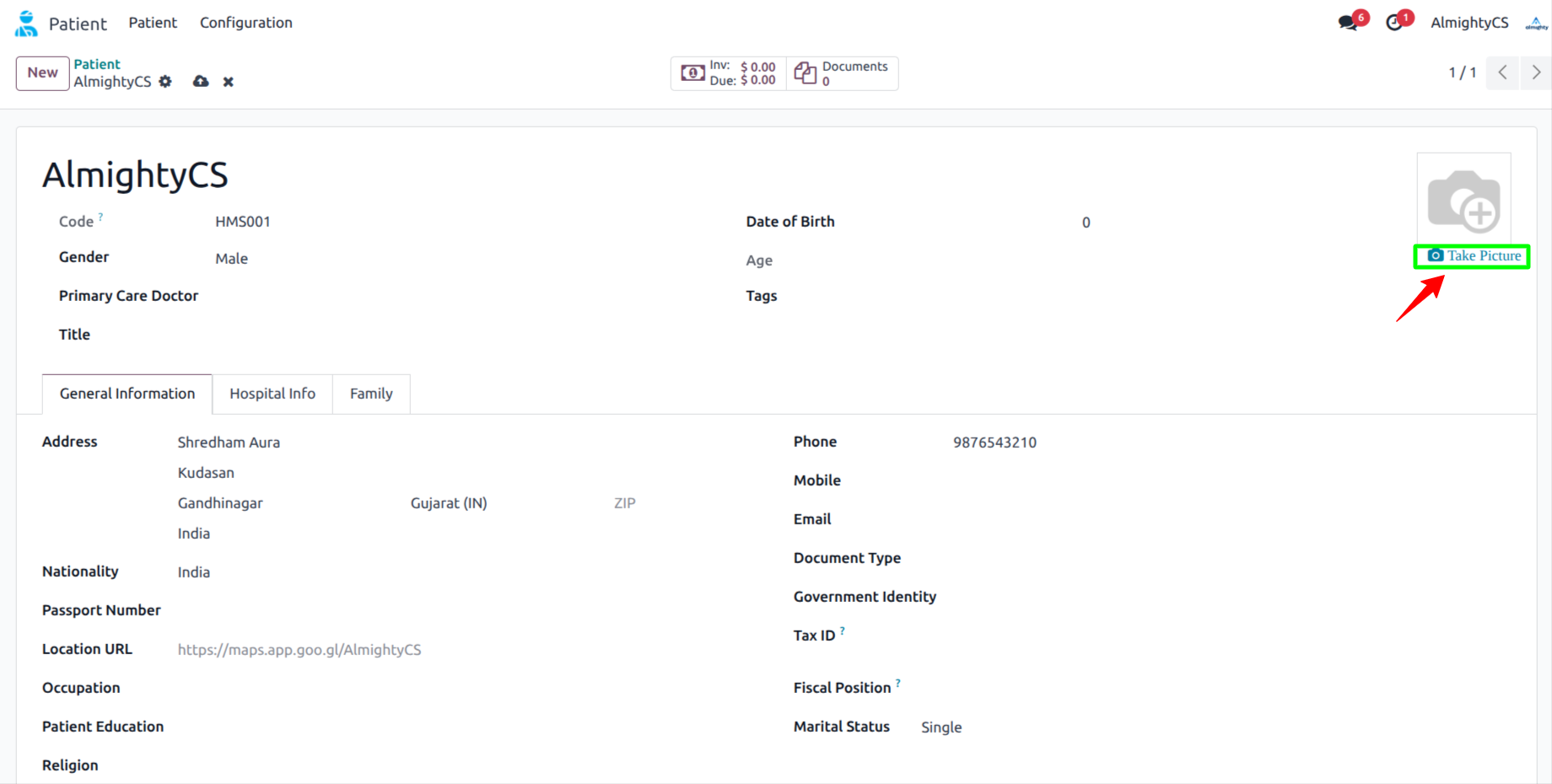
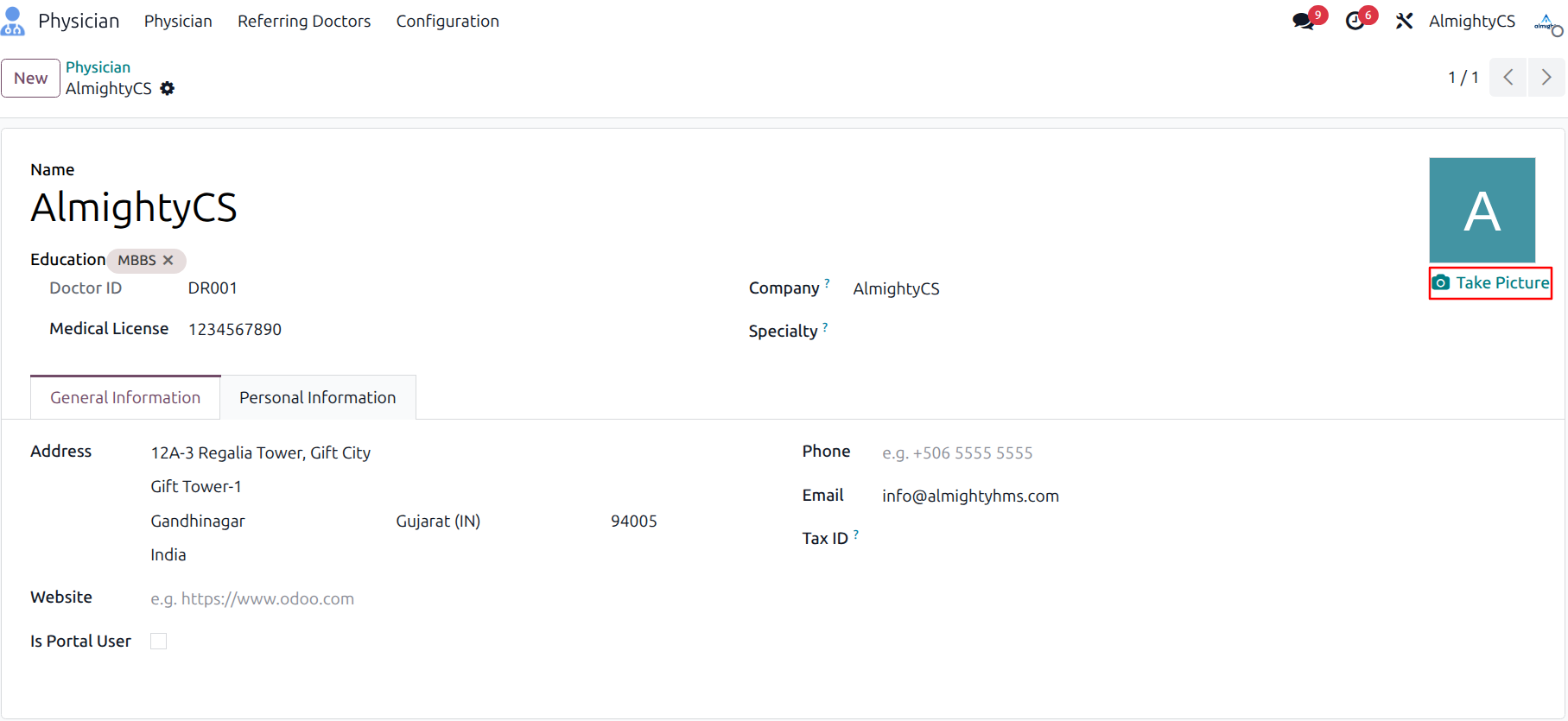
- Adds a button to the Patient/Physician form to capture an image using a connected webcam.
- The webcam window displays a live video feed. Click the Snap Photo button as many times as needed to capture the best shot.
- After capturing a good photo, click Save Image to update the image on the corresponding record and return to that record.
- Note: Redirect may return to a specific action view. This module requires an HTTPS domain to function in Chrome due to browser security restrictions. It works without HTTPS on local environments.
Take Image option in Patient Form.
Take Image option in Physician Form.
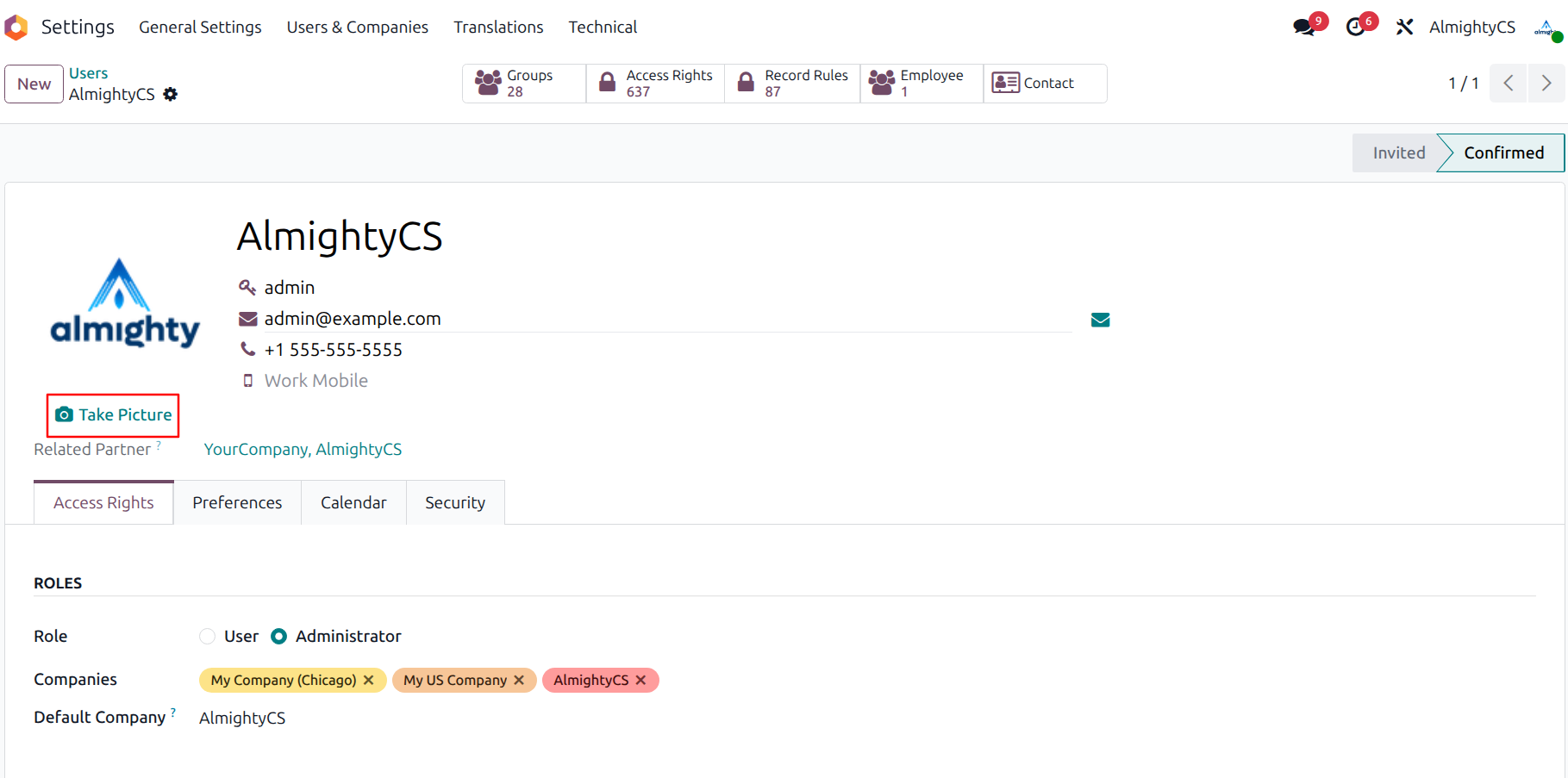
Take Image option in User Form.
Configuration & Customization
Designed for Odoo ease-of-use, this module requires zero technical knowledge to deploy. Simply install and start set patient/physician/user image using webcam image. Our dedicated technical team is available for advanced customization to match your hospital's specific protocols.